See professionals open to connect nearby
You're in. Welcome, early bird. Pick your device (iPhone / Android) below — you'll be up and running in about two minutes.
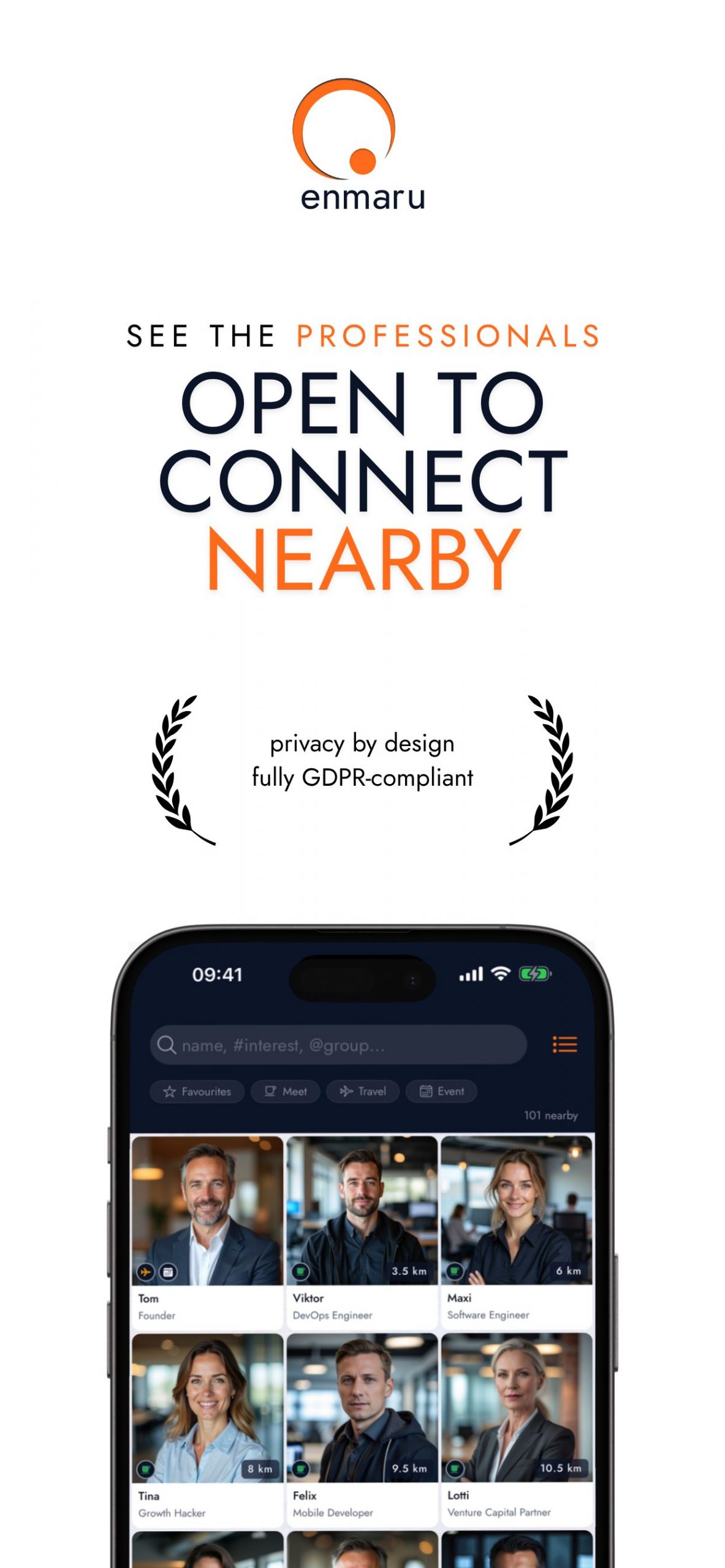
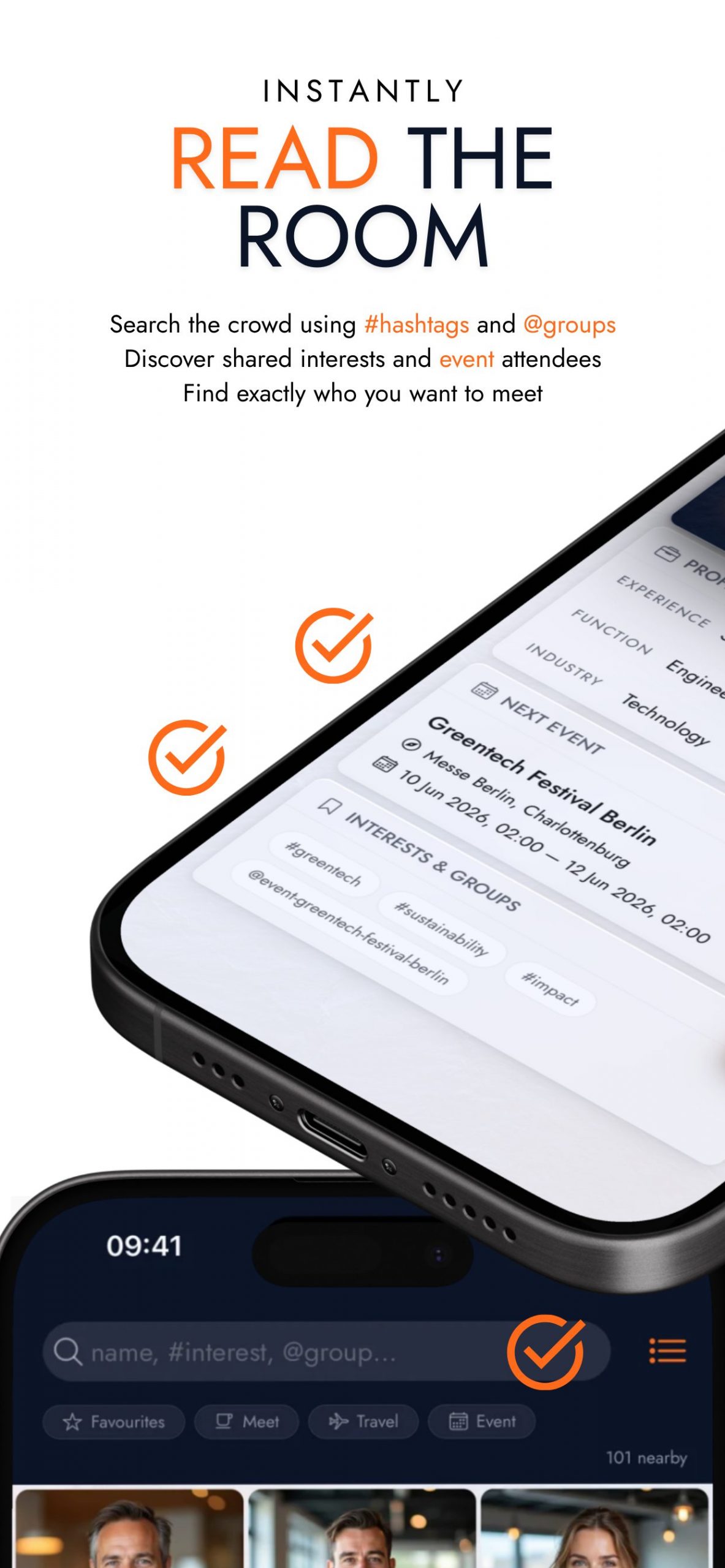
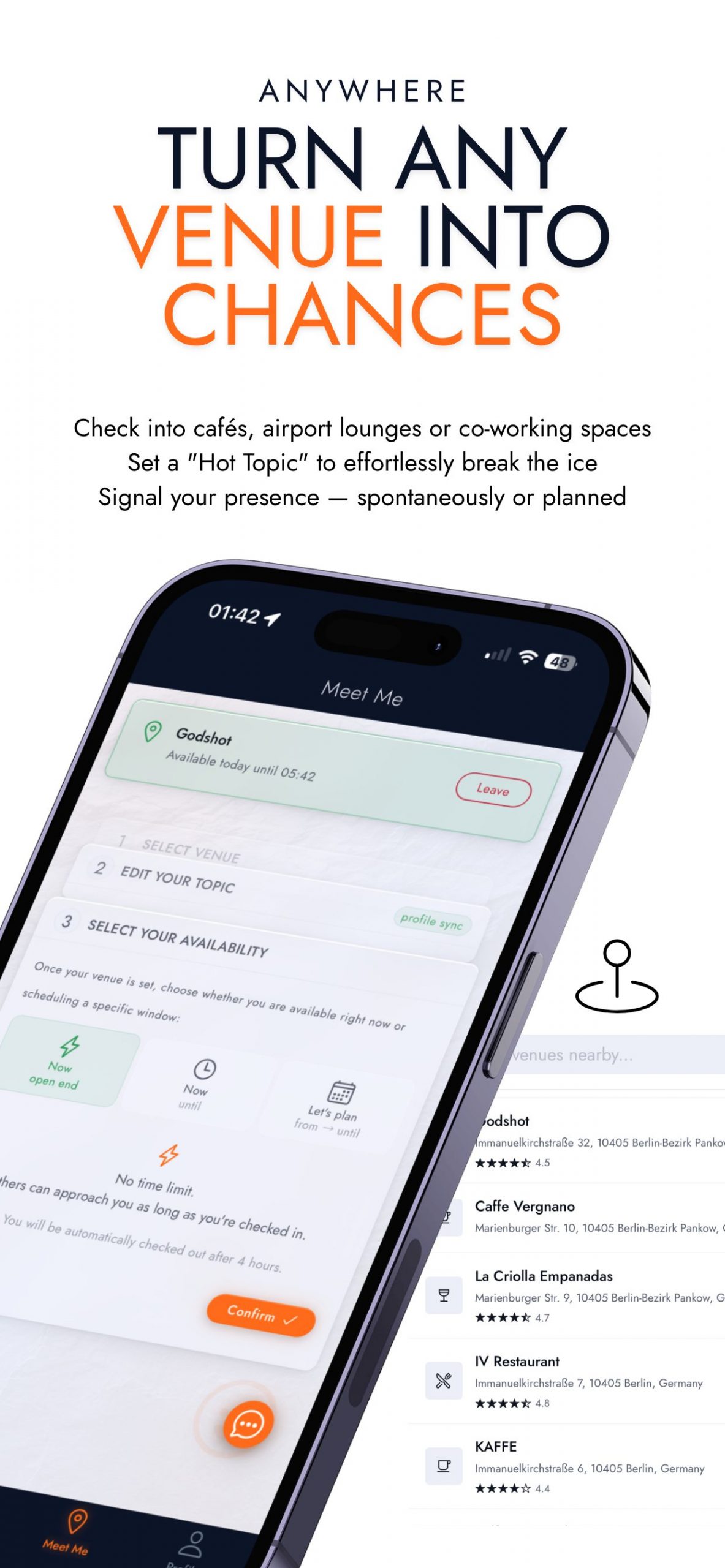
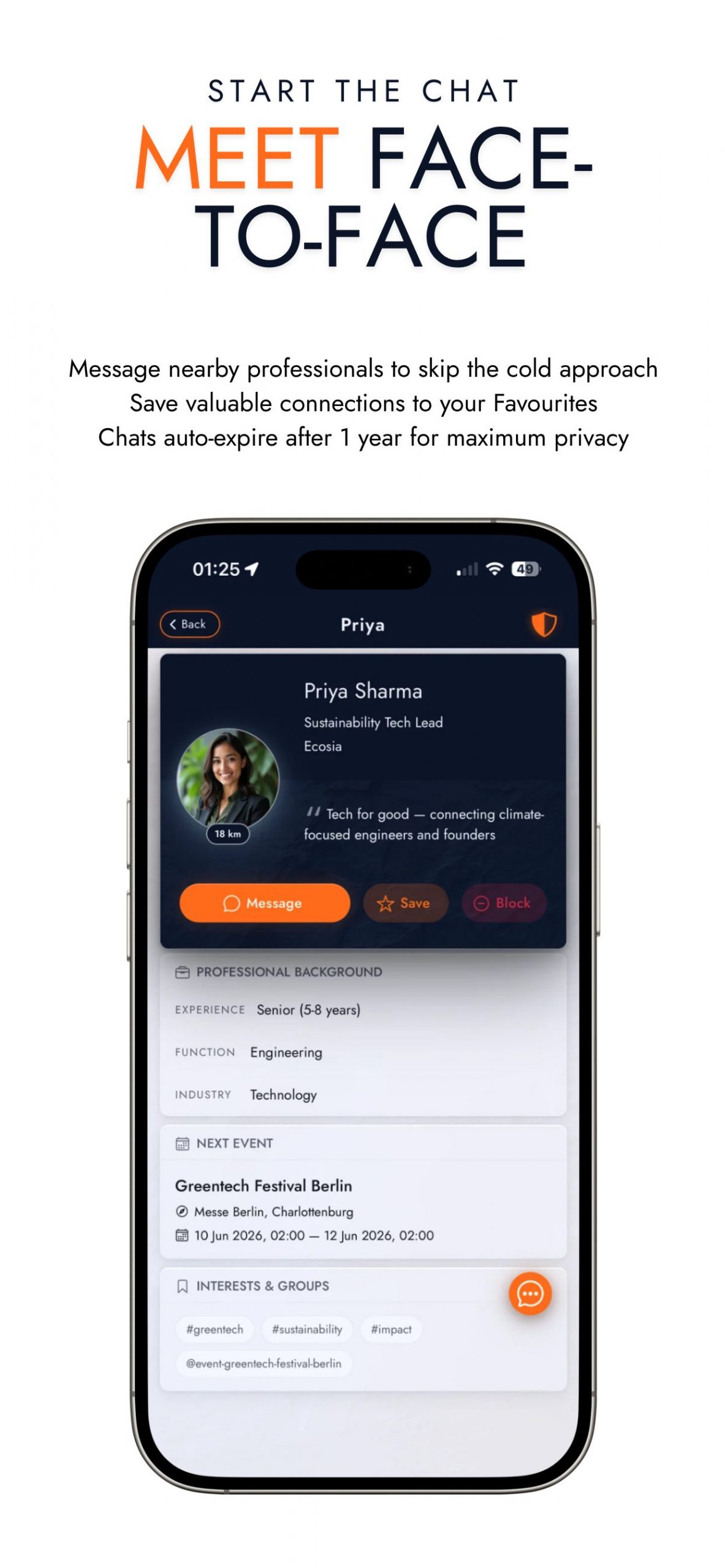
The idea: enmaru shows you the professionals physically in your area, in real time — so the right conversation can happen in the right place, without the cold outreach. As an early bird you get first access and a direct line to shape the app before everyone else.
Join the beta test group
Tap this button and sign in with the same Google account that's on your phone. You'll be approved automatically.
enmaru early birdsInstall enmaru from Google Play
Once you've joined the group, open our Play Store listing and install enmaru. If it says you're not a tester yet, wait a moment and refresh — group membership can take a moment to sync.
Download on Google PlayRegister with email & password or your Google Account
Open the enmaru app, click "Get your free account" and register with your preferred email and password or your Google Account.
If you discover any rough edges — that's exactly what I want to hear about. Use the in-app feedback button (bottom of the screen), or email me.
Every report genuinely helps.